

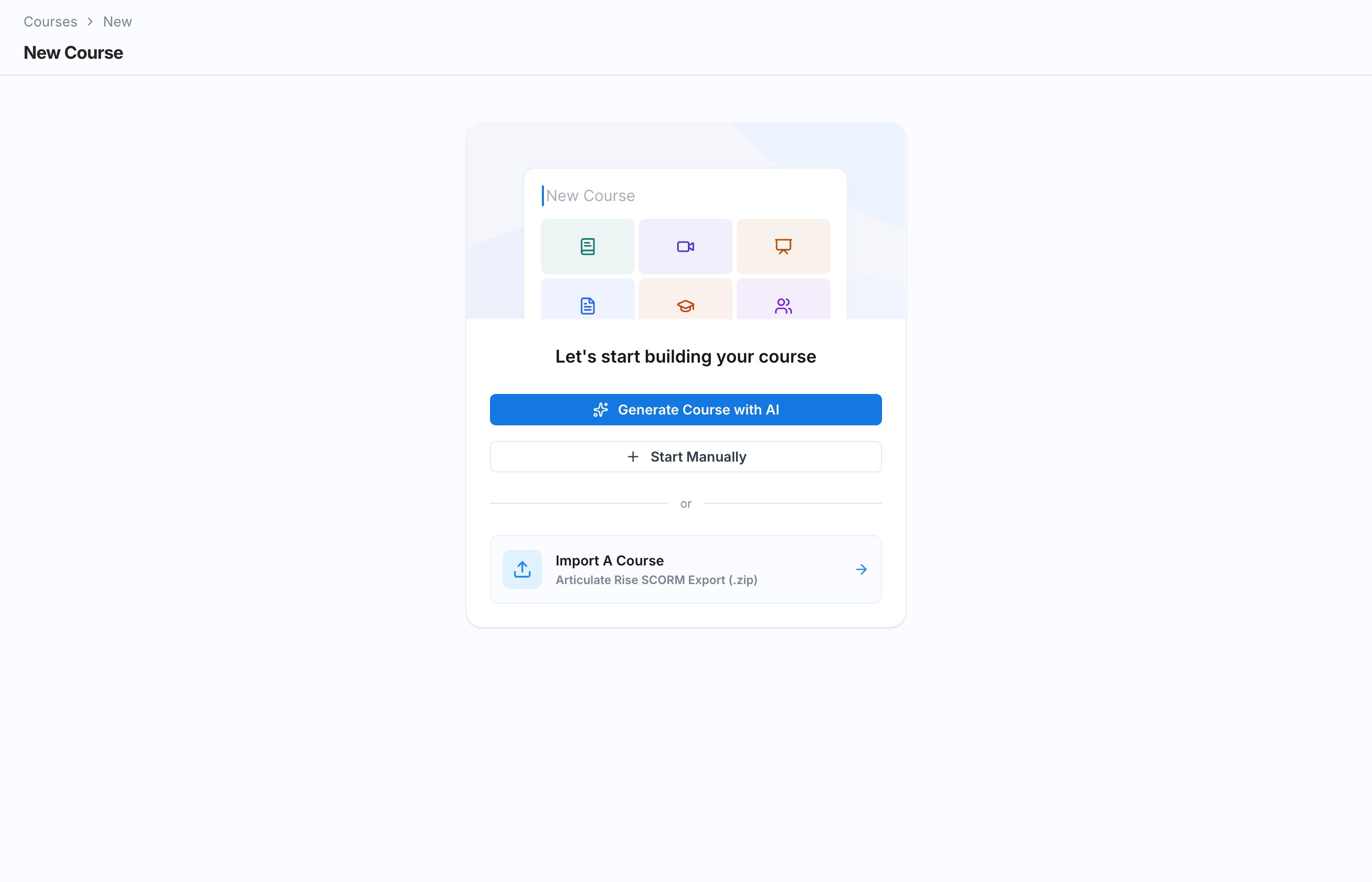
Start Manually
Fill in the course details, then add sections, pages, and blocks yourself. Full control over structure and content.
Generate Course with AI
Provide your existing material or describe the course, and AI drafts the outline, lessons, quizzes, and roleplays for you to edit.
Import A Course
Bring in an Articulate Rise SCORM Export (.zip) and Exec rebuilds it as a native course.
Create a Course Manually
1
Choose Start Manually
On the new course screen, click Start Manually. This opens the Basic Details form.
2
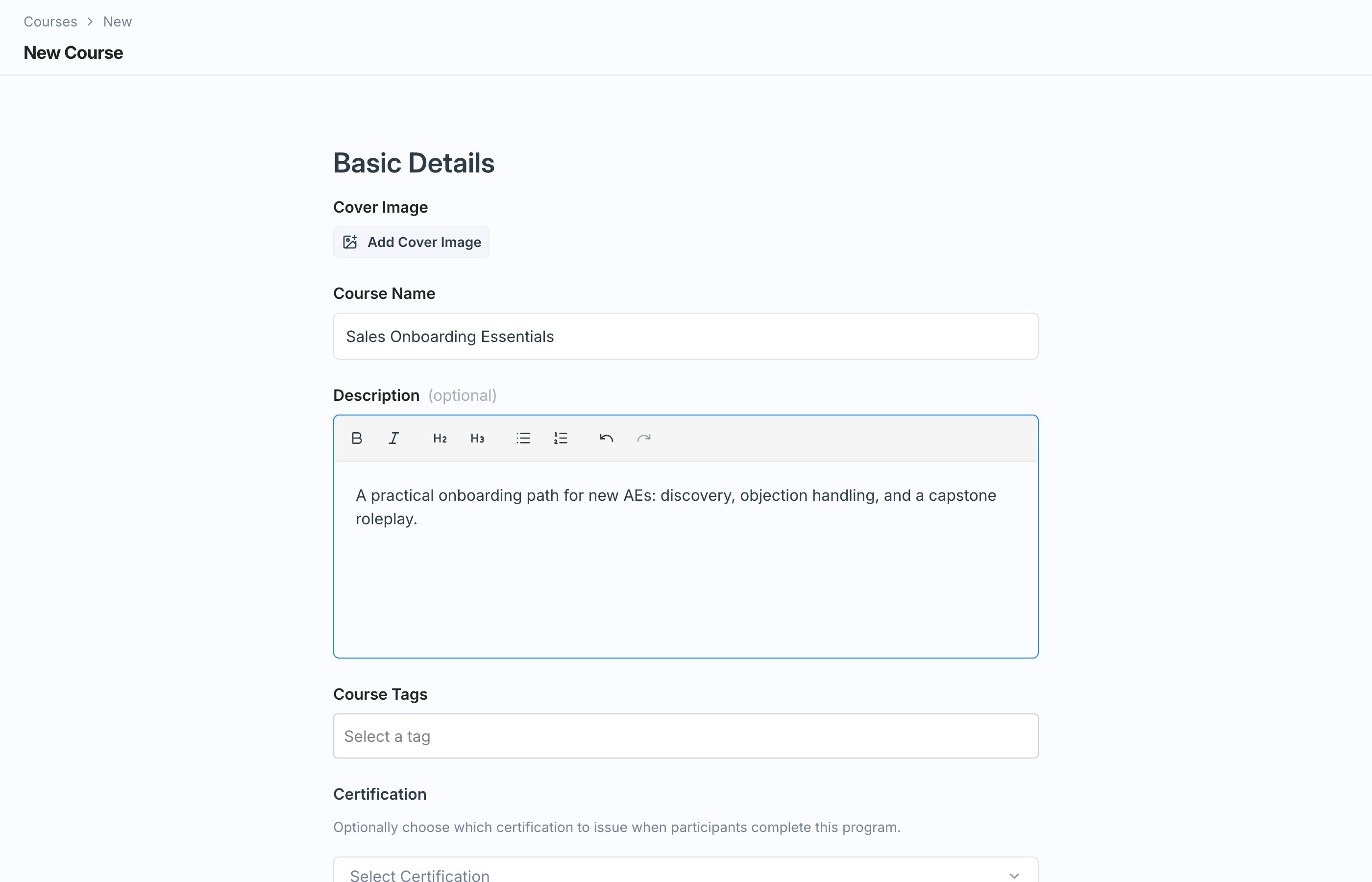
Fill in the basic details
3
Set enrollment options
In the Enrollment section:
- Check Allow self-enrollment to list the course in the catalog so learners can enroll themselves.
- Use Group Restrictions to limit enrollment to members of specific groups. Click Select groups… and choose the groups.
4
Save
Click Save. Your course is created as a draft and you land in the editor, ready to build sections and pages.
Creating and editing courses requires admin access. On paid plans, creating a course also requires a full seat, whether you build it by hand, generate it with AI, import a SCORM package, or duplicate an existing course. With a basic seat, Exec shows an upgrade prompt. Free workspaces create courses with platform credits instead of seats.
Every plan caps the number of active courses your workspace can have (2 on Free, 10 on Starter, 50 on Professional, unlimited on Enterprise). When you reach the cap, Exec shows a banner across the course list and disables the Create, Import, and Generate with AI buttons. Archiving a course frees up a slot. See Plans and Feature Availability.
Next Steps
Build Sections and Pages
Give your course its structure and start adding content.
Enroll Participants
Assign the course with deadlines or open it up in the catalog.