

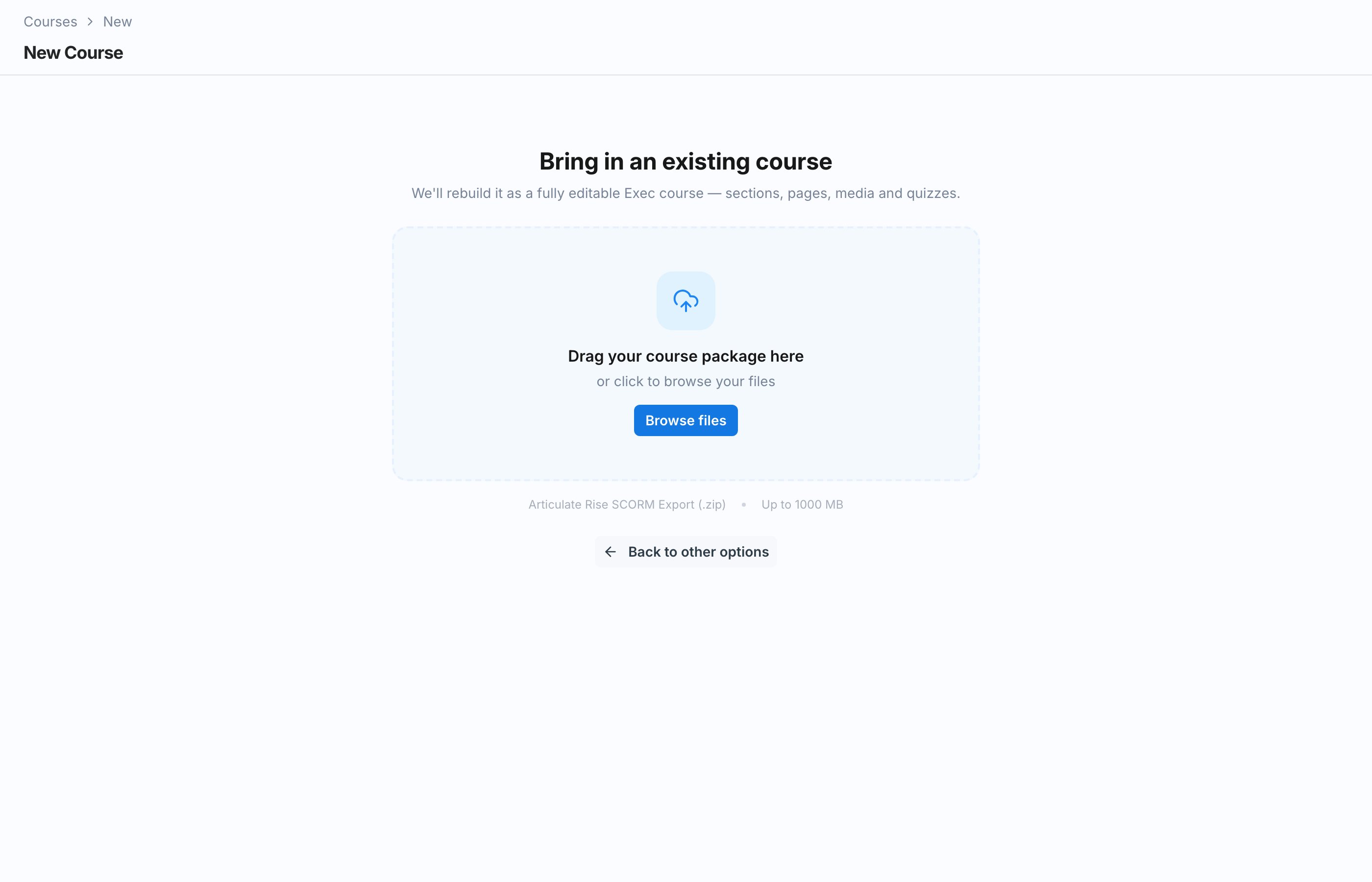
Importing runs the same plan checks as creating a course. On paid plans, you need a full seat, and the import counts toward your plan’s active course limit.
How the Import Works
1
Upload your SCORM export
Provide the Articulate Rise SCORM Export as a .zip file. Exec unzips it and reads the course structure.
2
Assets land in Knowledge Hub
The media and files inside the export are uploaded to a Knowledge Hub folder, so they are managed alongside the rest of your content.
3
A build job creates the course
Once the assets are in place, a build job materializes the course in Exec: sections, pages, and blocks, ready to edit like any other course.
Import Job States
You can follow the import as it moves through its states:Resume or Discard an Unfinished Import
If you leave partway through, you do not lose your progress. An unfinished import can be resumed where it left off, or discarded if you would rather start over or build the course another way.Import Multiple Courses at Once
You can drop up to 10 SCORM packages onto the import screen in a single batch. Each package becomes its own course, and Exec imports them sequentially — one runs while the rest wait in a queue. Each row in the queue shows its own status:
Bulk imports do not stop for prompts. Unsupported blocks are imported as-is (the same as choosing Import anyway on a single import), so review each new draft course before publishing. If a single package needs the guided review flow, import it on its own.
How Rise Blocks Map to Exec
Rise blocks come across as their native Exec equivalent so authored structure survives the import:- Labeled graphics become Image hotspots blocks. Every marker keeps the position it had in Rise, and any video or image pinned to a marker is nested inside its pop-up. A labeled graphic with no usable picture falls back to a plain image.
After the Import
The imported course arrives as a draft. Review it in the editor, adjust anything that did not translate cleanly, and add Exec-native blocks like quizzes and roleplays before publishing. See Build Sections and Pages.Next Steps
Build Sections and Pages
Review and refine the imported course in the editor.
Knowledge Hub Overview
See where your imported assets live and how to manage them.