

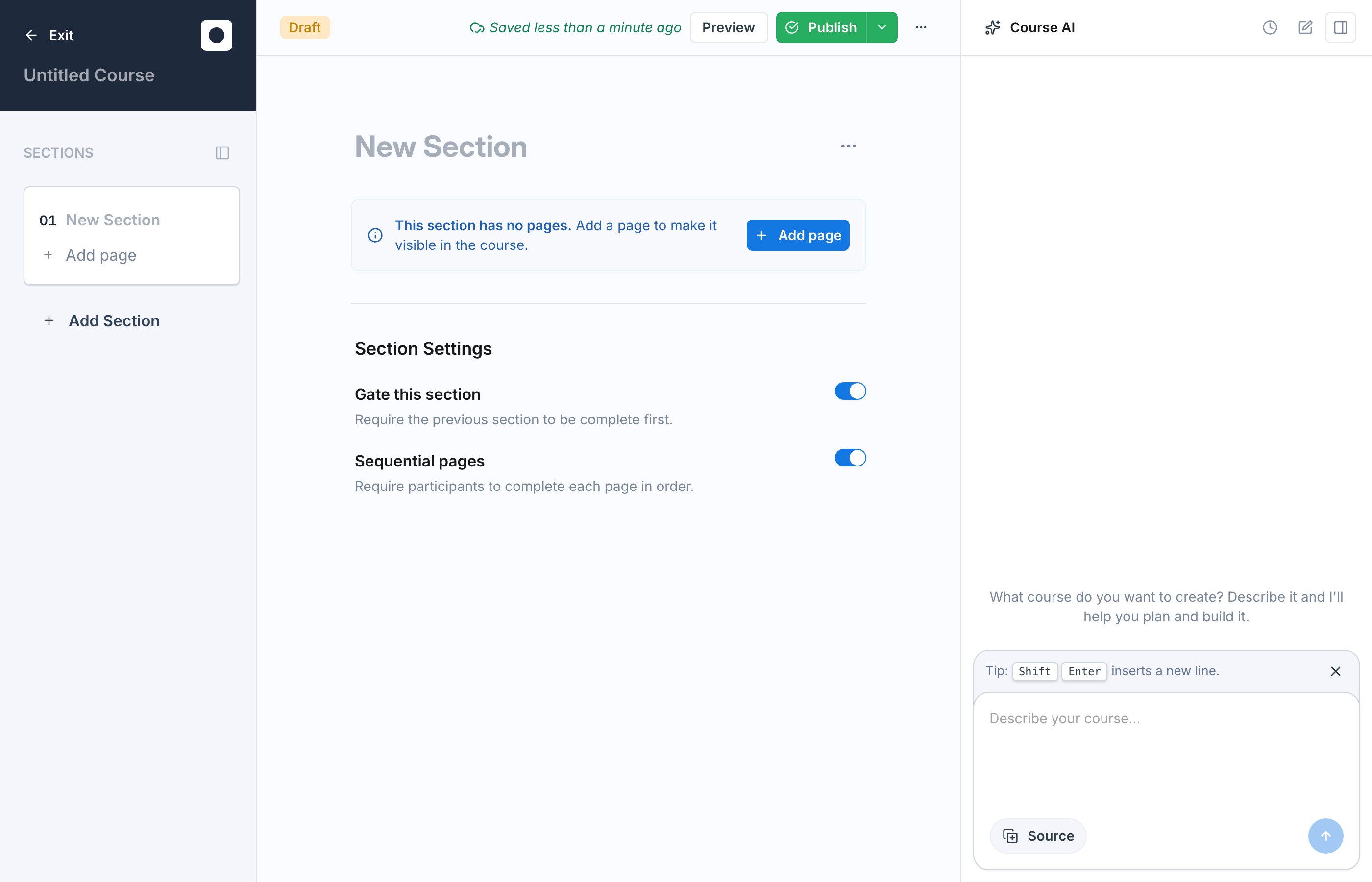
AI course generation costs 200 platform credits. Exec charges once, when the studio produces the first outline for a new course. Later edits, re-running the outline on the same course, and adding sections yourself are all free. The cost is shown on the confirmation dialog before the studio starts. Free-plan workspaces receive a one-time 500-credit signup bonus so you can try it without buying credits. If your workspace is out of credits, the studio opens an upsell instead of drafting the course. See Platform Credits for the full breakdown.
How It Works
1
Start with what you already have, or just describe it
Attach the material you want the course built from. Use Browse Knowledge Hub to pull in a page or source your workspace already has, such as a framework guide, playbook, or recorded training video, or upload files directly from your computer. No material yet? Describe the course you want instead.
2
Exec does the writing
The AI reads what you provided and drafts the full course: an outline of sections and pages, lesson content, knowledge-check quizzes, and roleplay scenarios that match your material.
3
You get a complete course
The draft opens in the editor with everything in place. Review it, edit anything, and publish when you are happy with it.
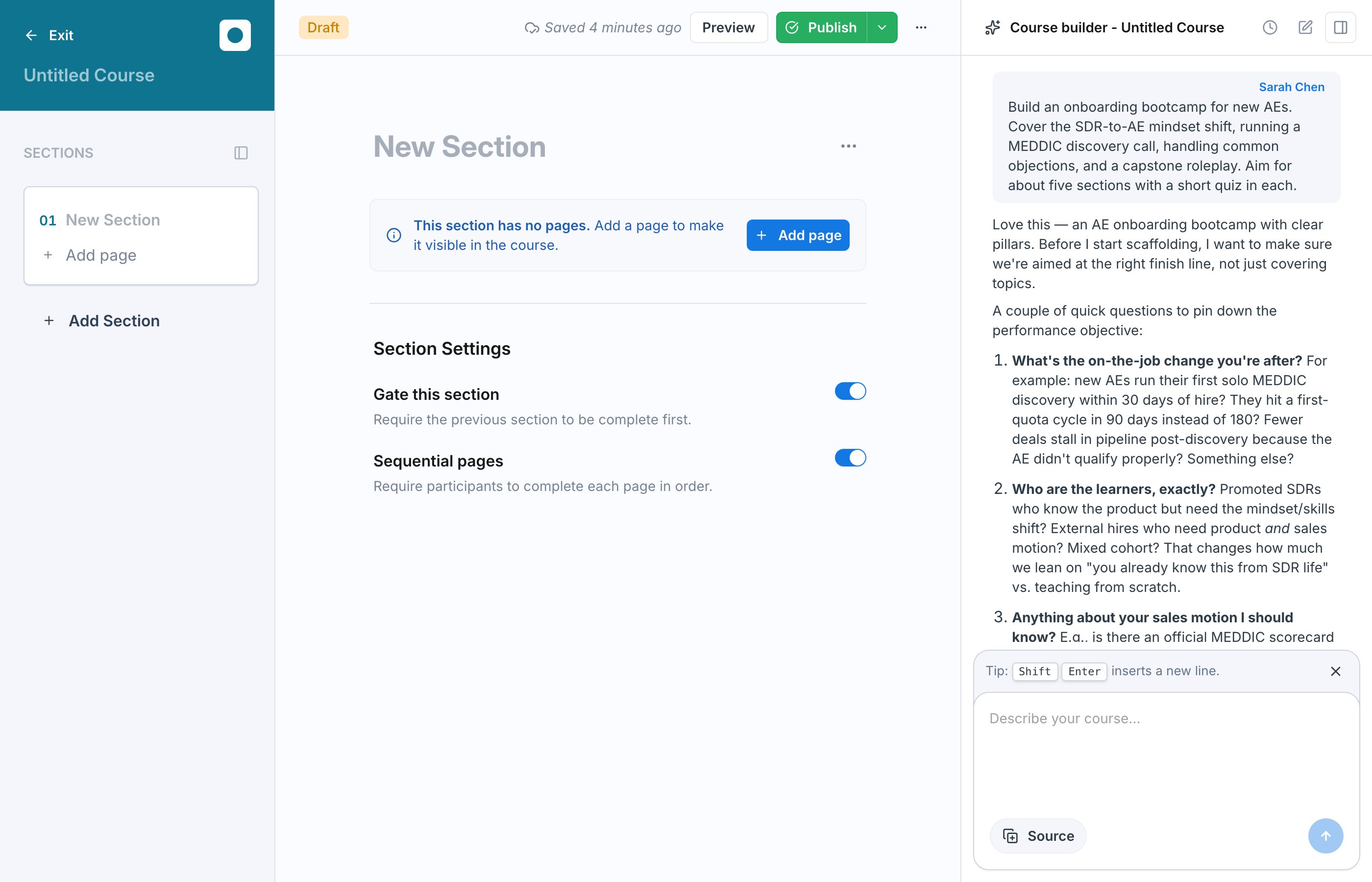
The Studio Asks Before It Builds
When you send your first message, the studio does not build blindly. It confirms the outcome you are after and asks a few clarifying questions first, such as the performance gap you are trying to close today, who the learners are, and whether you have an existing framework or playbook to ground the content in.Fill In the Quick Brief
Once you answer, the studio issues a short brief as a form you fill in rather than another round of typing. The questions are tailored to what you asked for, and typically cover choices like how long the course should take, the mix of quizzes and roleplays you want, the tone the content should take, and whether the course is must-pass or awareness-level. There is a free-text field for anything else it should know.It Designs the Course Before Building It
Submit the brief and the studio turns your input into a concrete plan before writing a single block: the performance objective, learning outcomes mapped to how each one is assessed, and a full section-and-page skeleton. Review it and course-correct while the course is still an outline.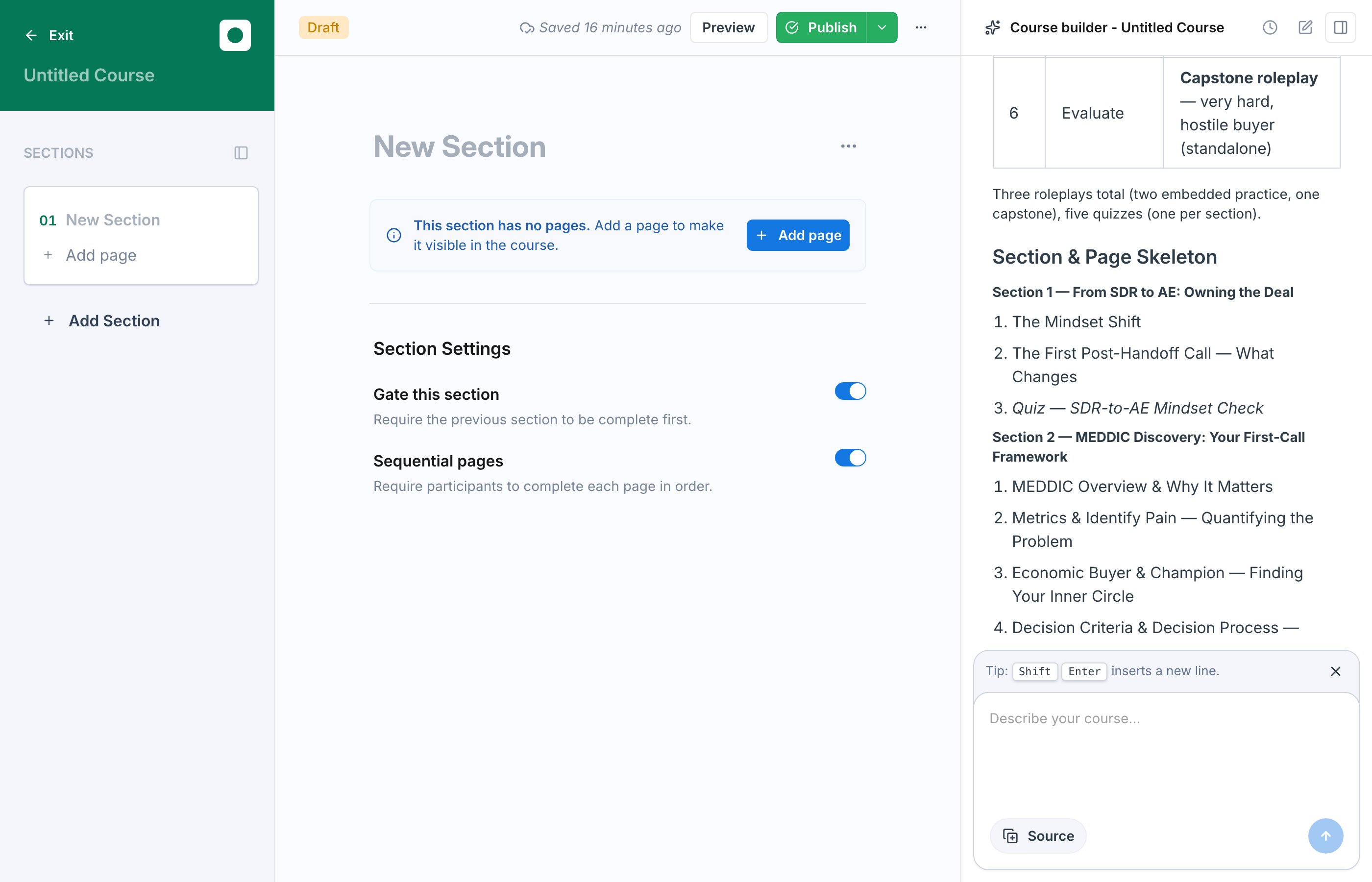
Then It Builds the Course
Approve the plan and the studio builds the full draft, sections, pages, lessons, quizzes, and roleplays included, then opens it in the editor for you to review and edit. Expect this to take a while. A course is a lot of content to write, so plan on roughly 10 to 15 minutes for the main structure depending on how big the course is. The studio posts progress as it finishes each part, so you can watch it work rather than guess. Roleplays get their own checkpoint. Before building them, the studio shows you the scenario outlines it intends to create, so you can approve or redirect them first. It can generate brand-new scenarios or reuse ones that already exist in your workspace. Building the scenarios runs in the background, so you can review the rest of the course while it works rather than waiting.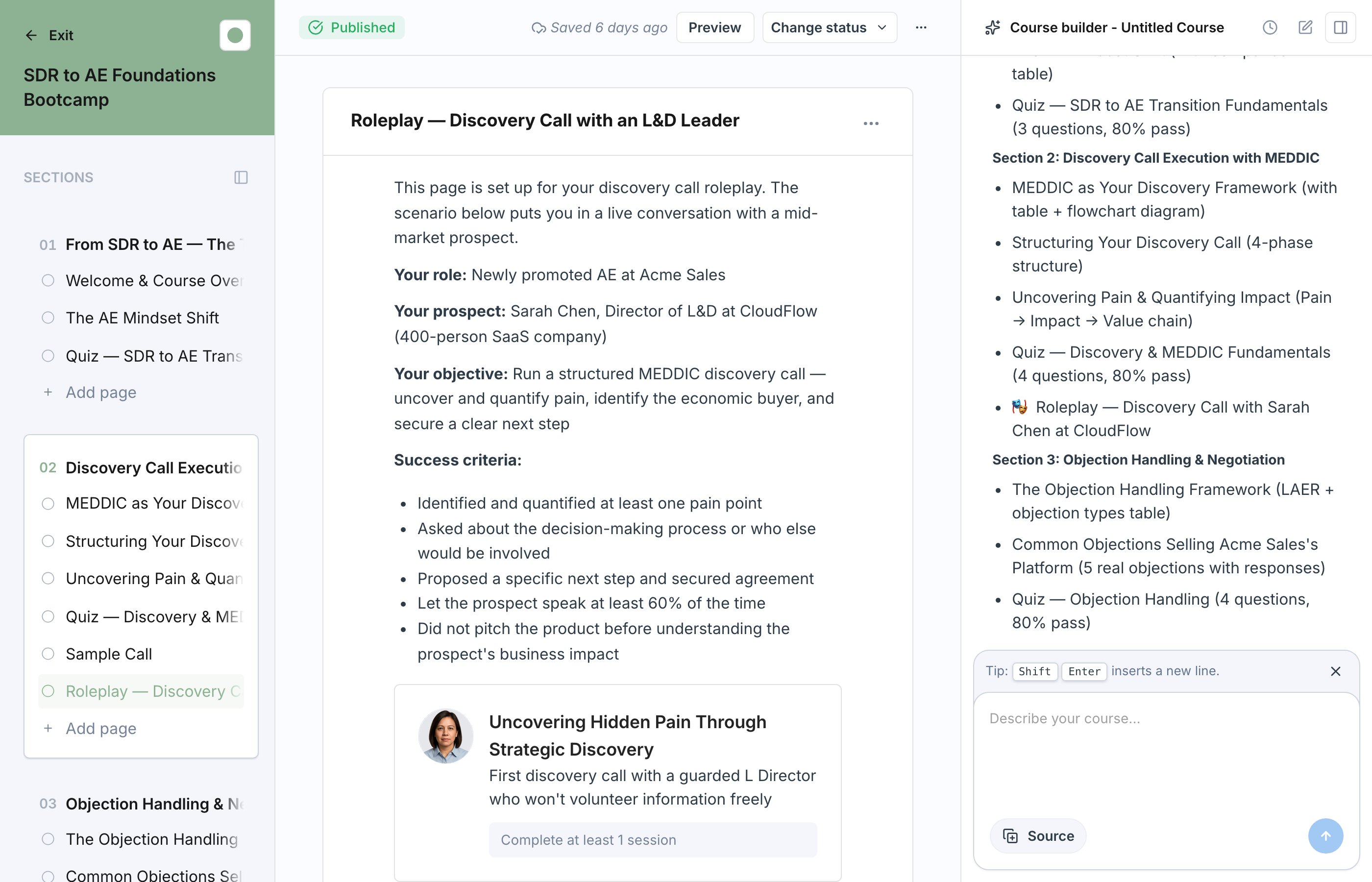
Turn a Video into a Multi-Page Course
If you attach a recorded video from the Knowledge Hub — a webinar, a training session, a screen recording — the studio treats the transcript as the source of truth and builds one page per teachable segment. Each page’s Video block plays only its own clip of the original recording, so learners see a focused two- to five-minute lesson instead of a full-length replay.- Segmentation happens automatically. The studio reads the transcript, groups it into teachable segments anchored on topic changes, drops housekeeping and open Q&A, and turns each kept segment into its own page with a title and objectives.
- Clip ranges are set for you. Every generated Video block already has a start and end time on the source recording, so learners scrub the segment as if it were a standalone clip.
- Captions come from the transcript. Video blocks pulled from the Knowledge Hub carry closed captions from the source’s transcript across every surface — the editor preview, the drill-in player, and the learner experience.
Move Courses Over from Another LMS
If your current LMS exports SCORM packages, bring them in directly with Import a Course. If it cannot export SCORM, rebuild each course from its content instead:1
Export the course content as PDFs
Most training platforms can export or print a course, module, or subject to PDF. Export one PDF per course you want to move.
2
Upload the PDFs to the Knowledge Hub
Add the files as sources so they are ready to attach.
3
Generate the course from the PDF
Start Generate Course with AI, choose Browse Knowledge Hub, and attach the PDF. The studio drafts the outline, lessons, quizzes, and roleplays from it, and you review the draft before publishing.
It Is a Head Start, Not a Finished Product
Everything the AI produces is fully editable. Nothing goes in front of learners until you publish, so treat the generated draft as a strong first pass:- Review every page. Rework wording, reorder sections, and cut anything that does not fit. The editor works exactly the same as it does for a manually built course. See Build Sections and Pages.
- Check the quizzes and roleplays. Make sure questions test what actually matters and roleplay scenarios reflect the conversations your team really has. You can regenerate or rebuild any block.
- Publish when it is ready. The course stays in draft until you publish it. See Publish and Versioning.
Next Steps
Build Sections and Pages
Refine the generated draft in the editor.
Publish and Versioning
Release the course to learners when the draft is ready.