

This integration brings content into Exec. If you are looking to go the other way, and let an AI assistant such as Claude or ChatGPT read your Exec data, that is Exec MCP. Note that an assistant connected over MCP cannot read your Knowledge Hub; it can only use Knowledge Hub material as source material when building a roleplay.
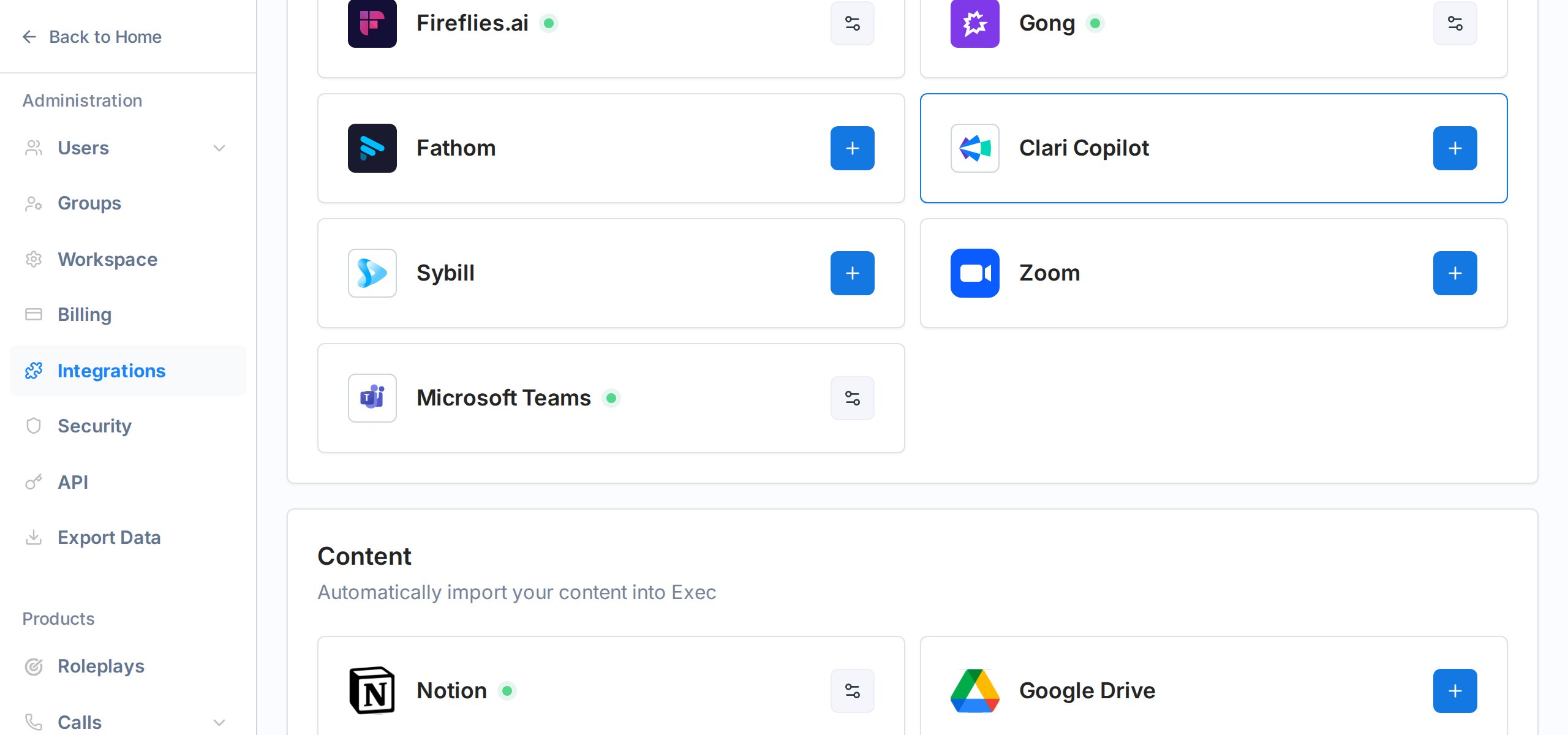
Connecting Notion
1
Open Integrations
Go to Settings -> Integrations from the workspace sidebar. Scroll down to the Content section.
2
Connect Notion
Click the + button on the Notion card. You will be redirected to Notion to log in and grant access.
3
Choose what to share
In Notion’s authorization screen, select the pages or workspaces you want Exec to be able to read. You can change this selection later from Notion’s integration settings.
4
Return to Exec
Notion sends you back to Exec. The integration card now shows a green indicator next to the Notion logo.
Importing a Notion page
1
Open a hub
Navigate to the Knowledge Hub and open the hub where you want the imported page to live.
2
Add a file
Click + Add -> New File, then choose Notion from the dialog.
3
Pick a page
A picker shows the Notion pages you shared during setup. Choose the page you want to import.
4
Wait for processing
The page is fetched, converted to markdown, and indexed. Status moves from Processing to Ready, usually in under a minute.
What gets imported
- Text content - all paragraphs, headings, lists, quotes, and tables
- Images - images embedded in the Notion page are downloaded and stored alongside the source
- Sub-pages - each sub-page is imported separately, so the hierarchy stays intact