

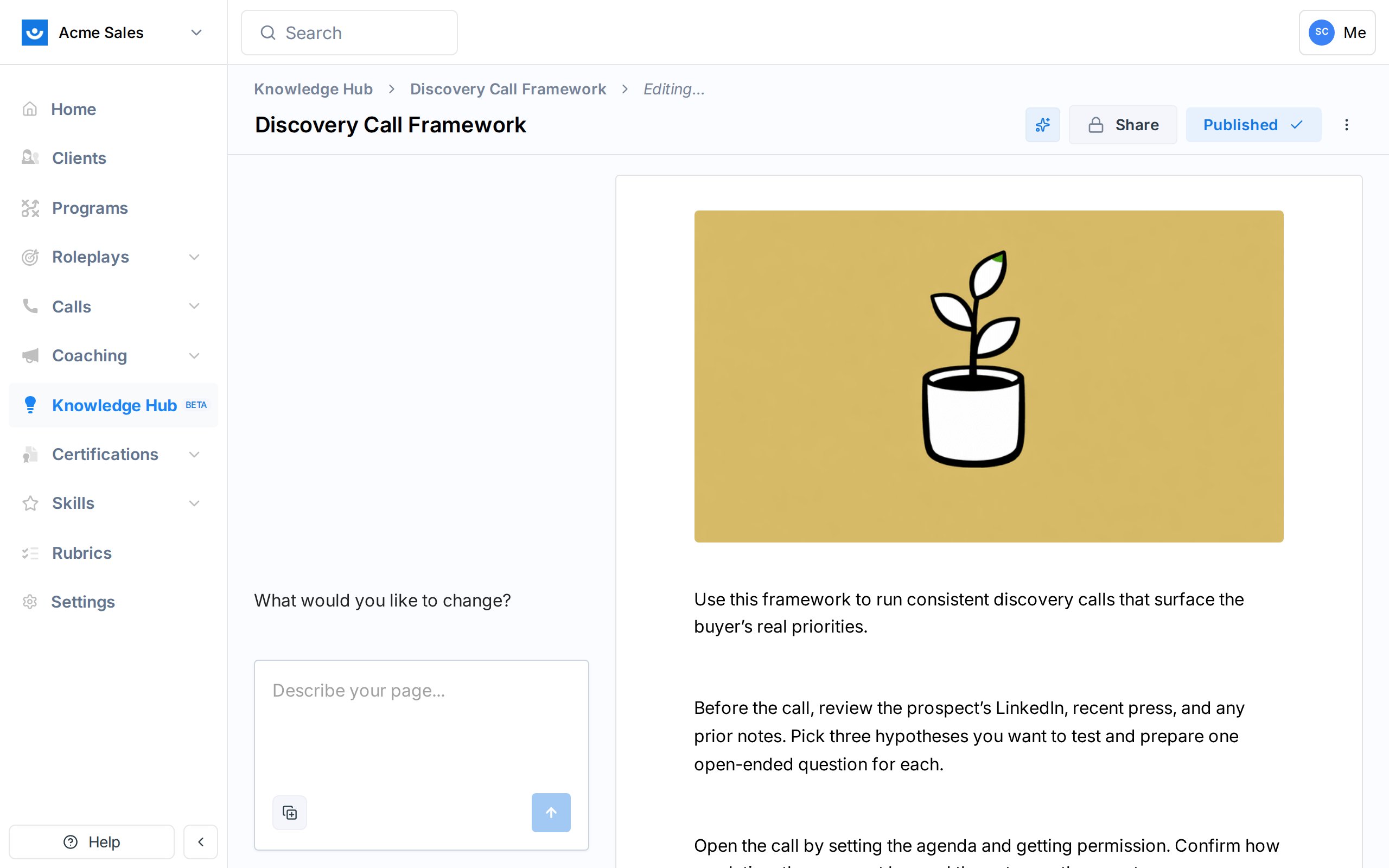
Two modes
The agent operates in one of two modes depending on what you are doing.
In both modes, the page preview on the right updates as the agent writes, so you can see changes take shape before you commit them.
Starting a chat from scratch
Open Knowledge Hub -> + Add -> New Page (or go straight to /knowledge/chat/new). The page opens in Discovery mode.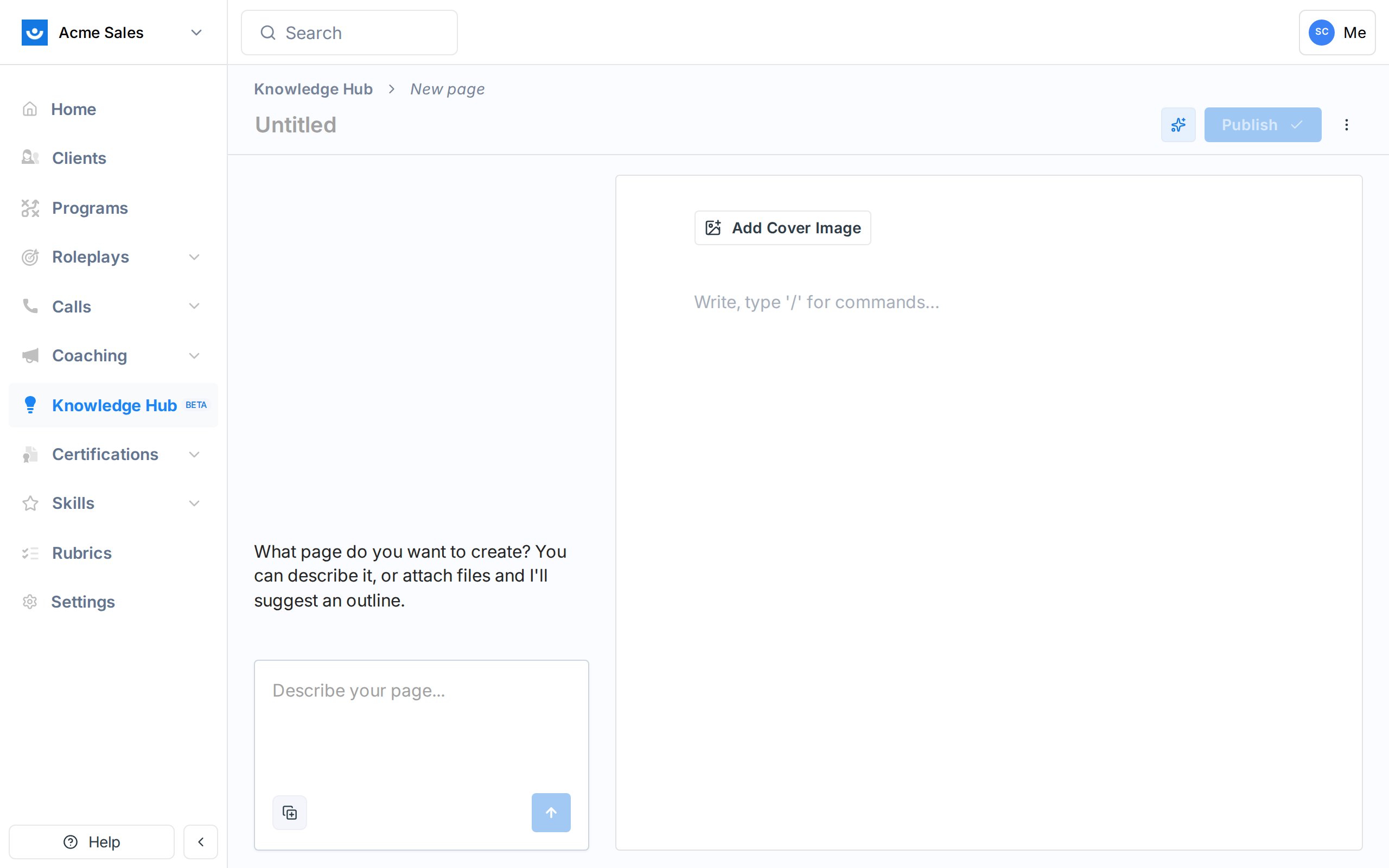
What the agent can do
The agent has four tools it can reach for during a conversation:Search Knowledge Hub
Runs hybrid keyword and semantic search across every source and page in your workspace that you can see. Used when you ask about something the workspace already knows.
Read a source
Pulls the full extracted text of a specific source. The agent uses this after search when it needs the details.
Web search
Searches the open web. The agent uses this when a question is not covered in your sources.
Fetch a URL
Reads a specific web page. Useful when you drop a link into the chat and want the agent to pull it in.
Attaching files, calls, and links
Below the chat input you can attach files, pages, sources, or recorded calls directly to a message. Attached content is sent to the agent as context for that turn. This is the fastest way to say “use this document to answer” without making the agent search for it. Images are sent as visual input - the agent can look at screenshots, diagrams, and photos. PDFs and text files are extracted and sent as markdown. If your workspace has a connected call recorder, you can also attach recorded calls. The agent receives the call summary and transcript as context, so you can ask it to draft a page from a customer call, pull out common objections, or summarize what a prospect said. The Browse Calls option is hidden if no call recorder is connected, and the picker only shows calls you’re allowed to view.Drafts, not publishes
The agent always writes into the draft version. Nothing is visible to your workspace until you click Publish. This means you can experiment freely. When you do publish, the change type is recorded asAI Generation in the version history, so you can tell which versions were human-written and which came from a chat.