

How to Retake
1
Go to My Sessions
Open the scenario and click My Sessions to see your attempt history.
2
Select a past session
Choose the session you want to review before retrying.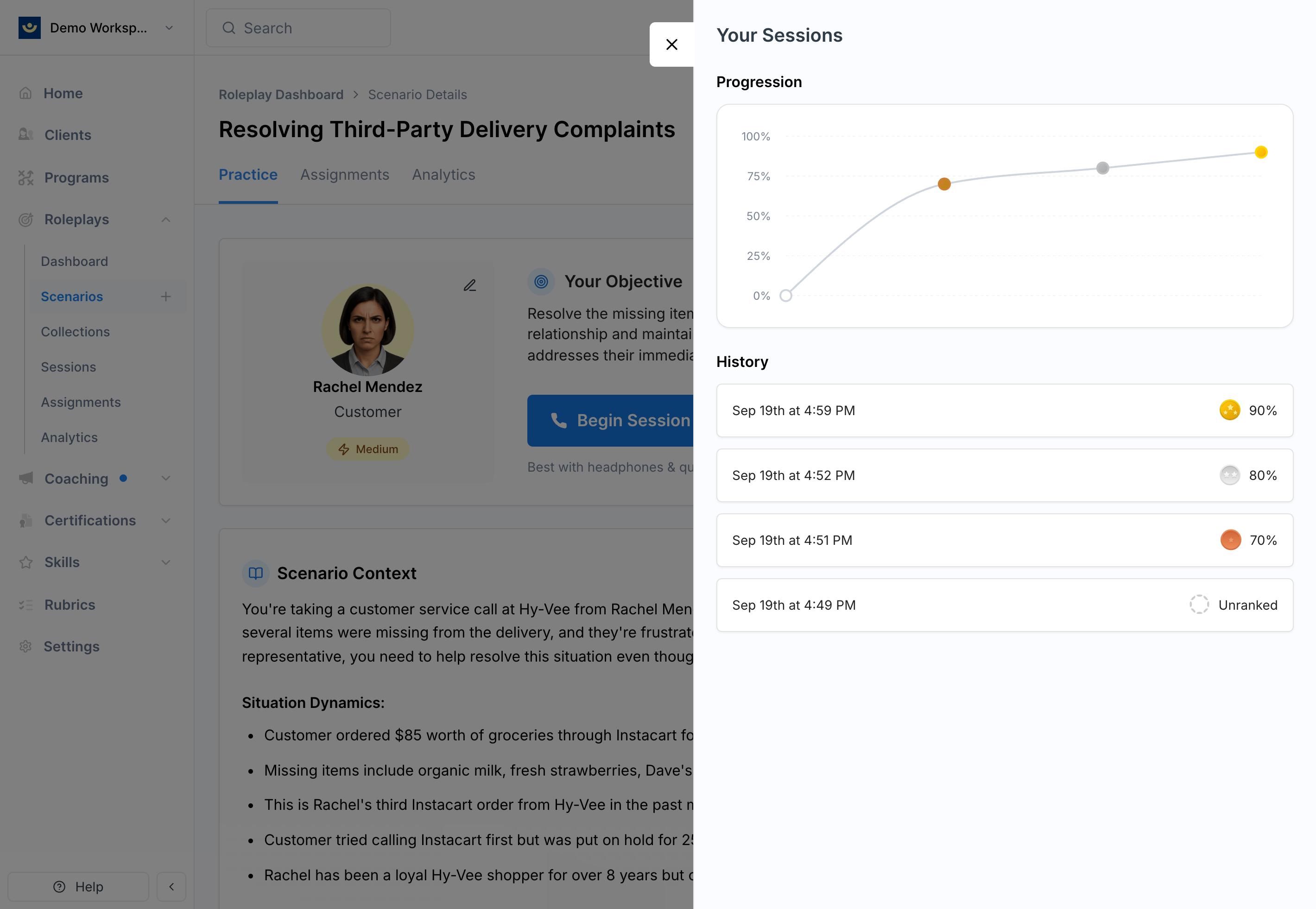
3
Click Retry
The Retry button takes you back to the scenario details page, where you can start a new attempt immediately.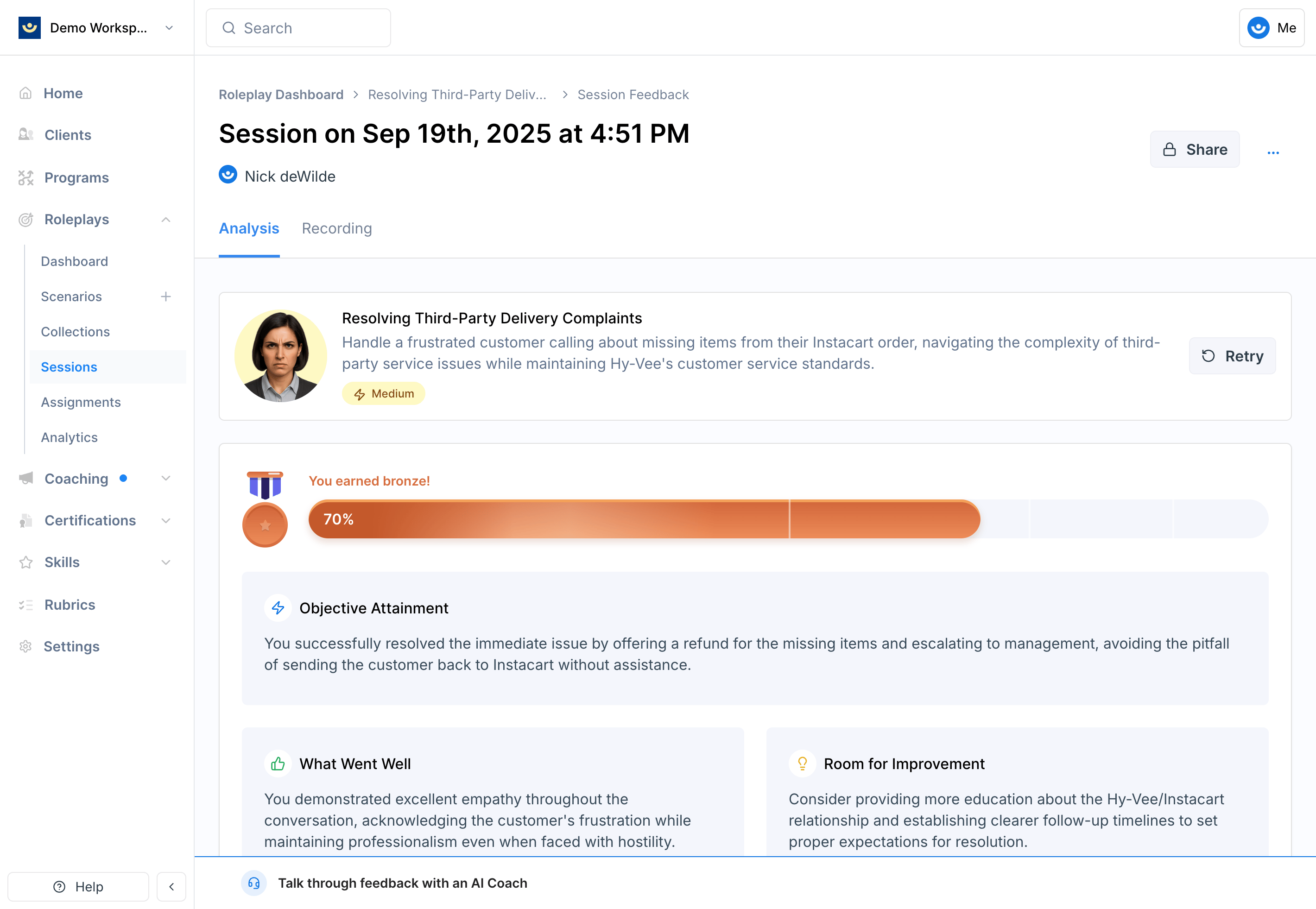
You can also go directly to the scenario page at any time and start a new session without going through your session history first.
Retakes in Assigned Scenarios
If the scenario was assigned to you through a program or direct assignment, you can still retry as many times as you want. Whether those retakes count toward your program requirements depends on how the assignment was configured:- Some programs only count the first completed attempt
- Others may allow multiple attempts to contribute to your record
Tips
- Review before you retry — read through your rubric feedback and transcript before jumping back in
- Target one thing at a time — focus each retake on a specific area (e.g., opening strong, handling a particular objection)
- Try different approaches — varying your strategy across retakes builds flexibility, not just a higher score
- Don’t just read the feedback back — applying feedback word-for-word may boost your score but won’t build real skill