

Who Can See Your Sessions
Workspace admins and managers can see your sessions to support coaching and track team progress — similar to how managers access performance data in other workplace tools.
Controlling Monitor Visibility
Scenario creators can control whether monitors have access to session data. This setting is in the scenario’s Share modal under Allow session monitoring.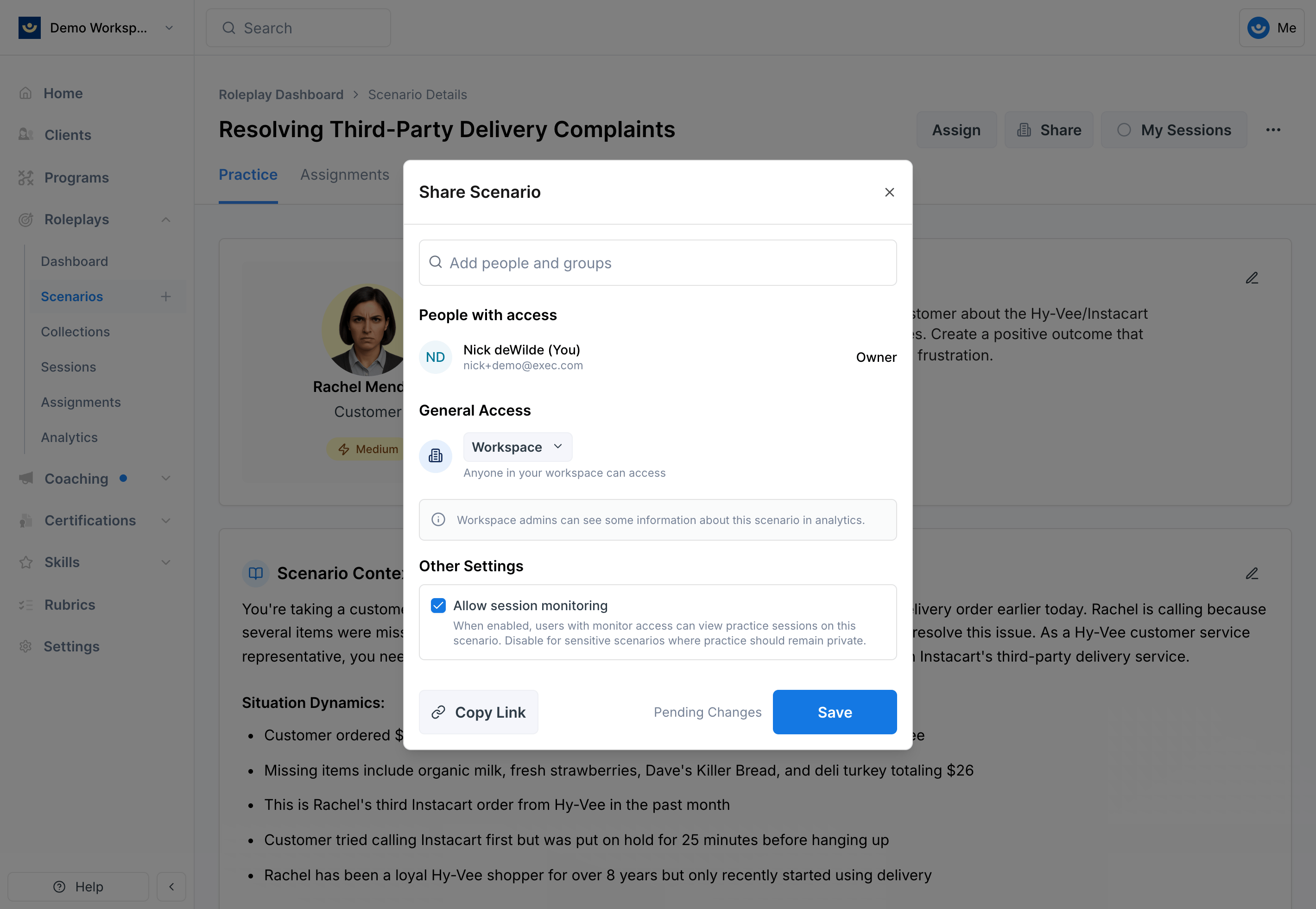
- On (default) — Scenario monitors and editors can view practice sessions
- Off — Sessions are only visible to admins, managers, and users you explicitly share with
What’s Visible in a Session
When someone has access to your sessions, they can see:- Session recording and transcript
- AI feedback and scores
- Completion status and date
Analytics Visibility
The analytics dashboard shows aggregated session data:- Workspace Admins see analytics for all users
- Group Admins see analytics for their group members only
- Regular users see only their own analytics