

How to Delete a Session
1
Open the session you want to delete
Go to My Sessions on the scenario page and click into the specific session.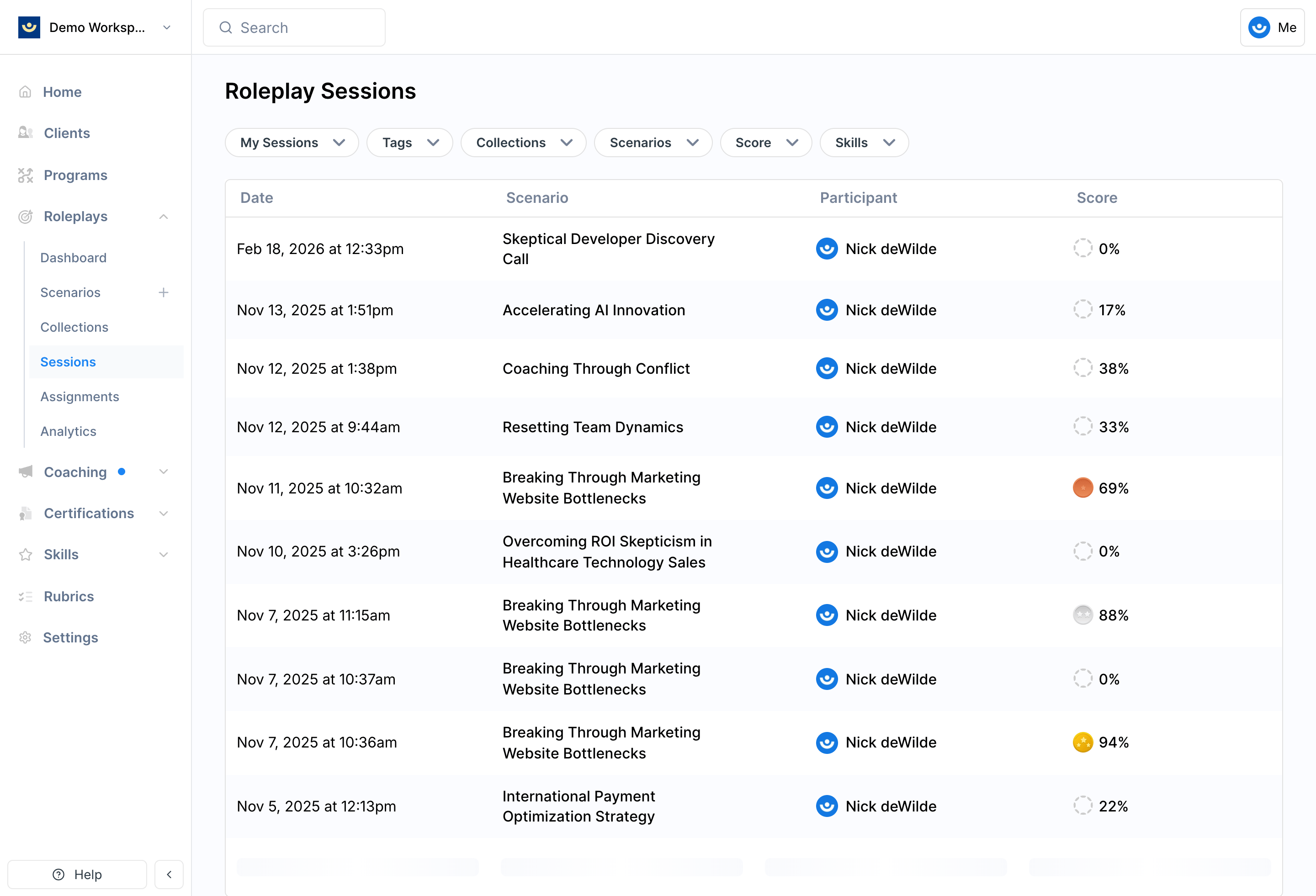
2
Click the three-dot menu and select Delete Session
Look for the three-dot menu (•••) on the session details page.
3
Confirm deletion
A confirmation prompt will appear. Once confirmed, the session is permanently removed and cannot be restored.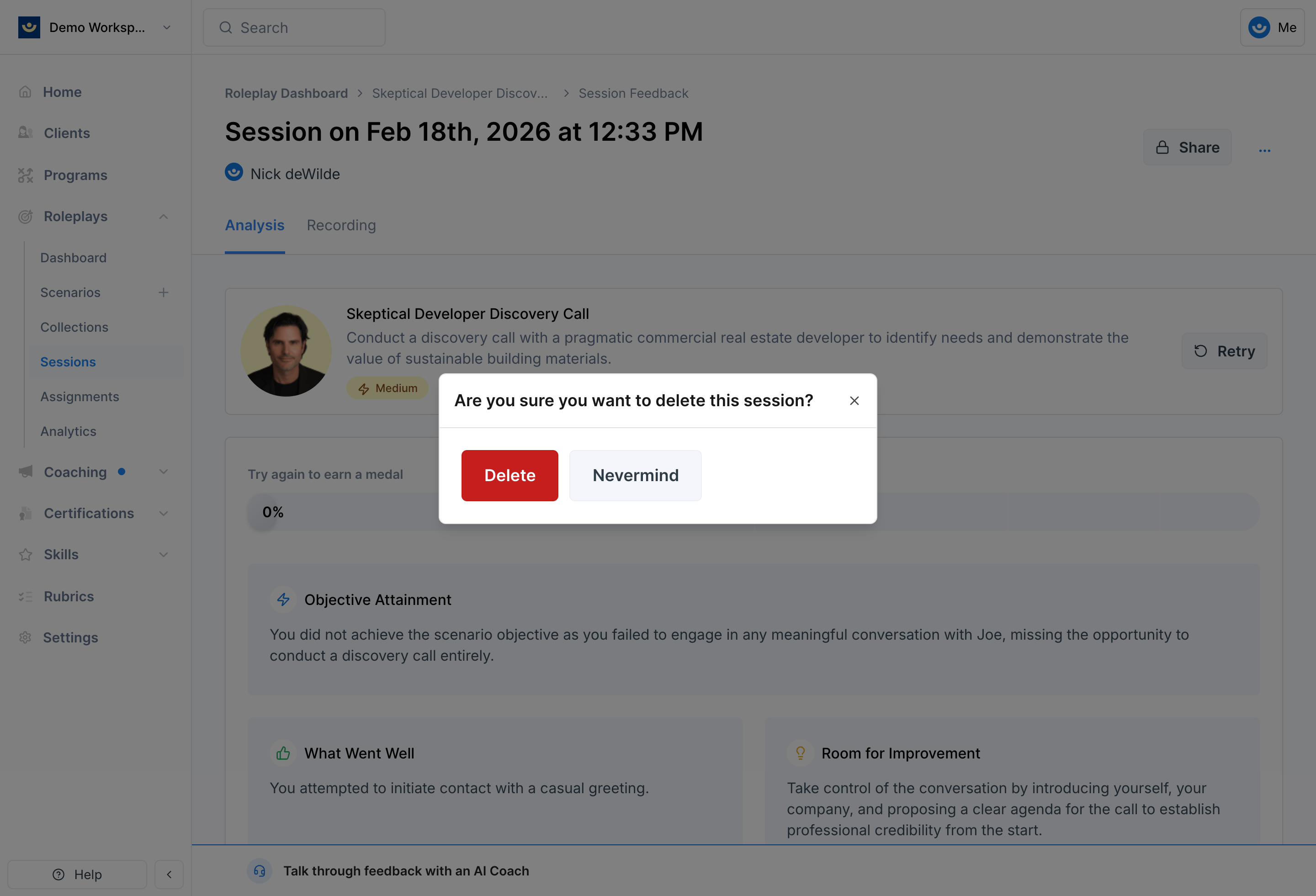
Before You Delete
- Only delete when necessary — for example, if a session was interrupted, misrecorded, or was a test run
- Check with your facilitator first if the roleplay is tied to a program assignment, since deleting may affect reporting
- Download what you need — if the session included useful feedback, save the transcript or recording before deleting