

Opening the AI Coach
Look for the AI Coach pill in the bottom-right corner of your feedback, transcript, or call scorecard screen. Click it to start a live voice session with your coach. If you’ve talked with the AI Coach before, a history icon appears next to the pill so you can revisit past sessions.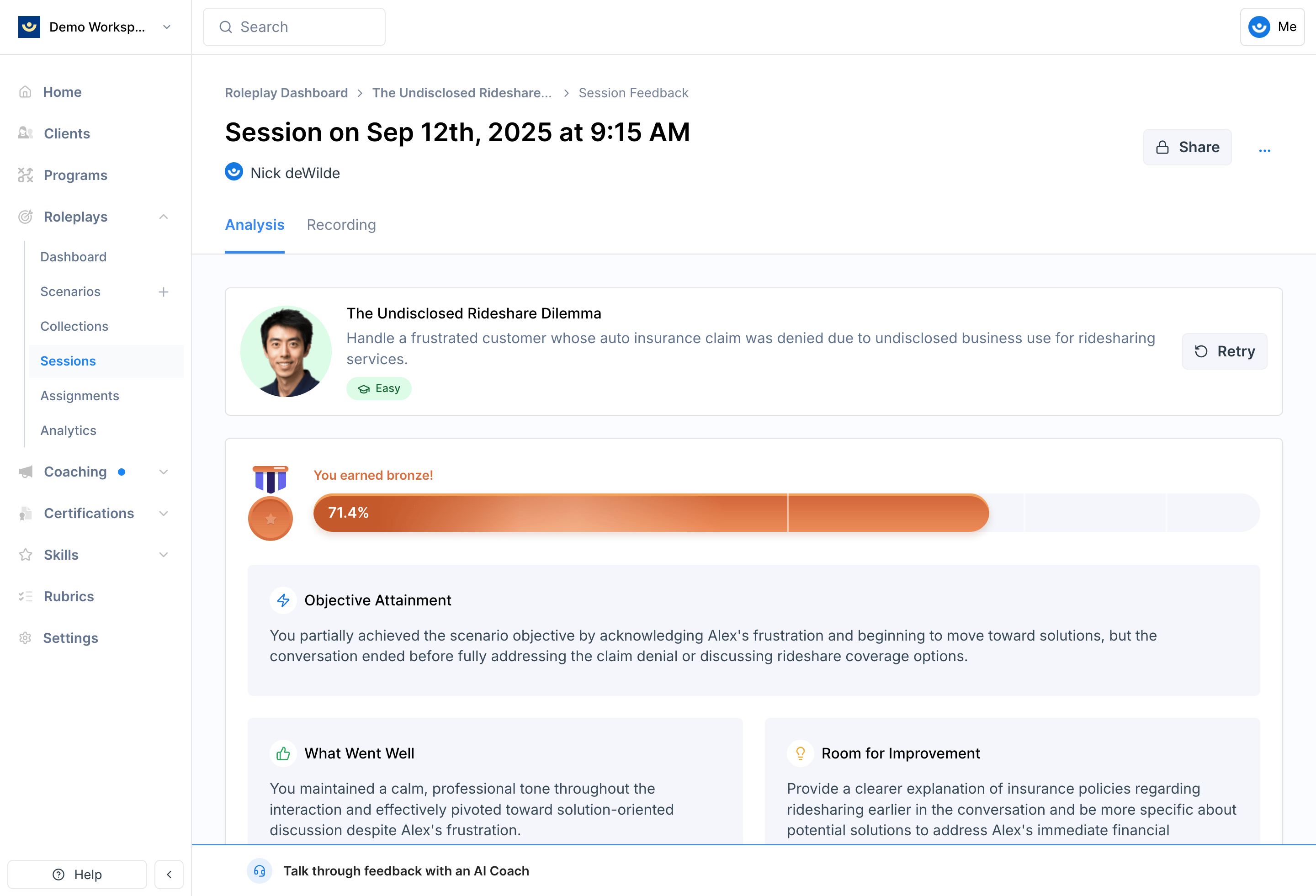
What You Can Do
Get a recap of your feedback
Get a recap of your feedback
Ask the AI Coach for a high-level summary of how you did before diving into specifics.Example: “Could you give me a high-level summary of my feedback?”
Ask about a specific criterion
Ask about a specific criterion
If you scored low on something or want to understand the feedback better, ask directly.Example: “How could I have handled that objection more effectively?”
Challenge your own assumptions
Challenge your own assumptions
If you think you already demonstrated a behavior but didn’t get credit for it, ask the AI Coach to clarify based on your transcript.Example: “Didn’t I already offer options in my conversation?”
Re-practice a specific moment
Re-practice a specific moment
Ask the AI Coach to step into the character’s role so you can practice a particular part of the conversation again.Example: “Can you be the character and let me practice how I’d handle that objection?”
Tips for Getting the Most Out of It
- While the session is fresh. The sooner you debrief, the easier it is to connect feedback to what you remember doing.
- Keep it short. A focused 5–10 minute debrief is often more effective than trying to cover everything at once.
- Make it a habit. Use the AI Coach after every session. Over time, you’ll start to see patterns in your strengths and the areas that need the most work.