

Creating a Collection
1
Open the Scenarios page
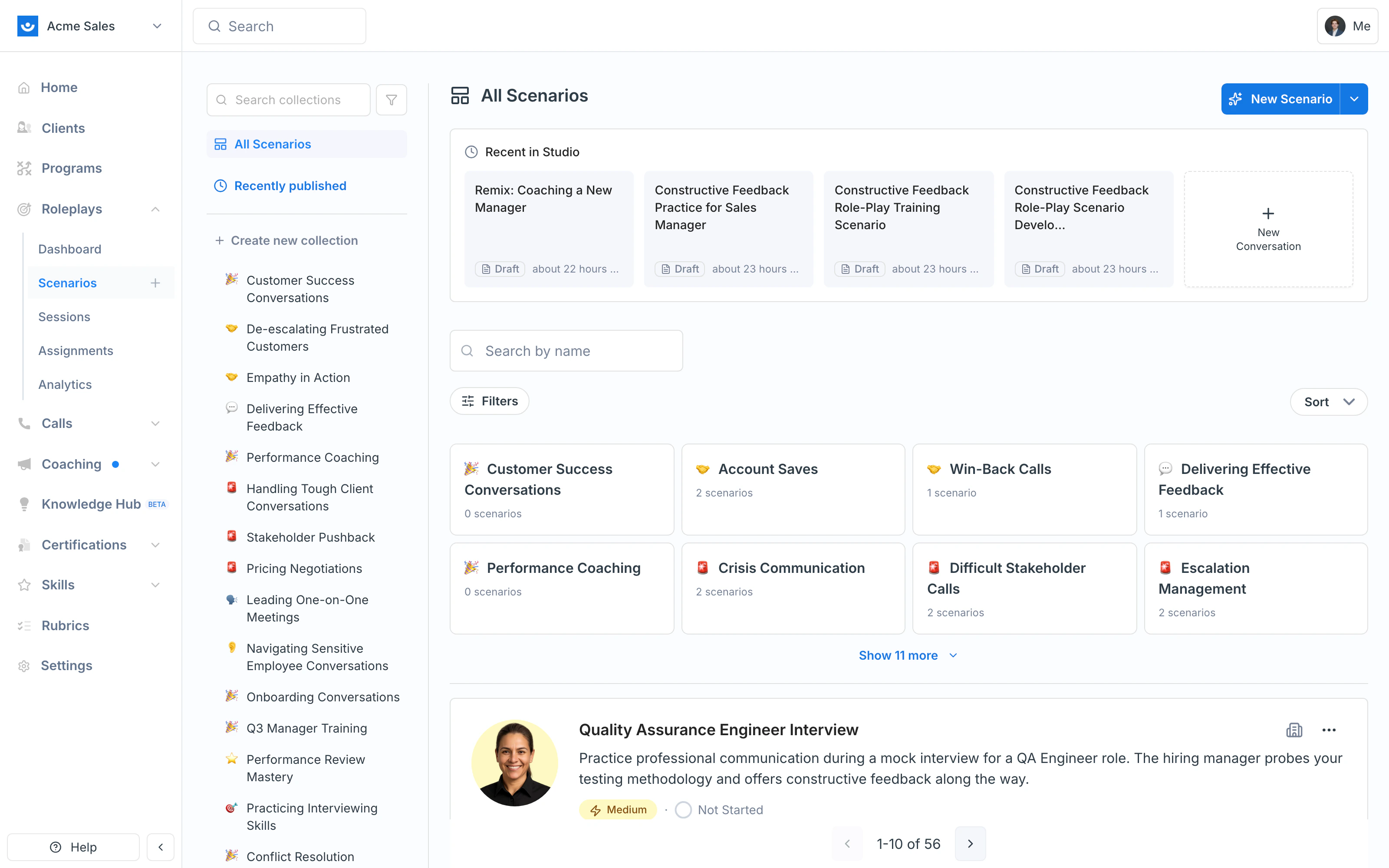
From the left navigation, click Roleplays → Scenarios. The Collections rail appears on the left side of the page.
2
Click + Create new collection
Just below the All Scenarios entry at the top of the rail, click + Create new collection.
3
Name the collection
Give it a clear name (e.g., “Manager Coaching Toolkit”) and pick a Location. Leave it as All Collections to keep it at the top level, or pick an existing collection to nest the new one inside it.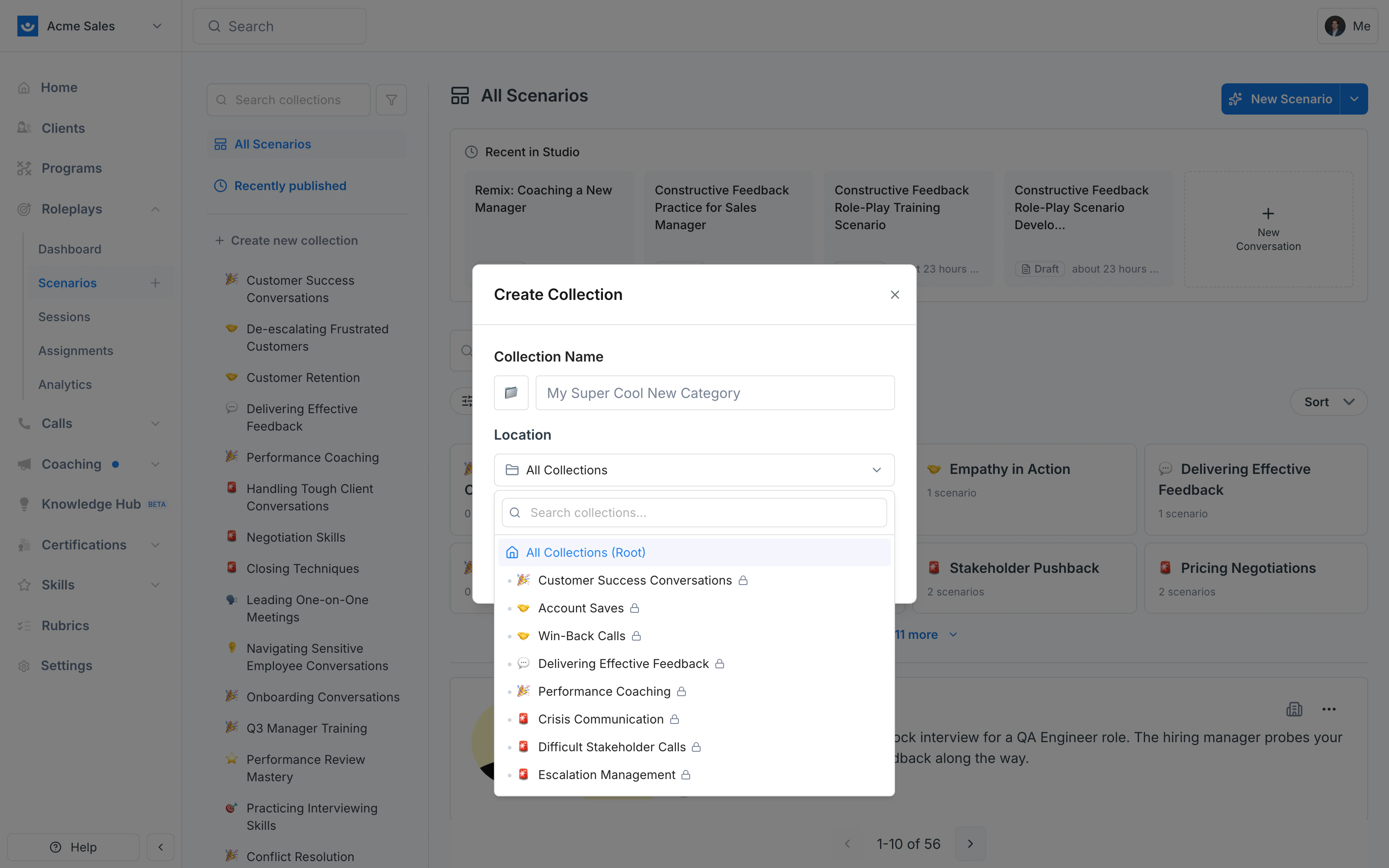
4
Optional: open More options
Click + More options to add a short description, a rich-text overview, and tags. These appear when learners or admins open the collection, so they’re worth filling in for collections you plan to share.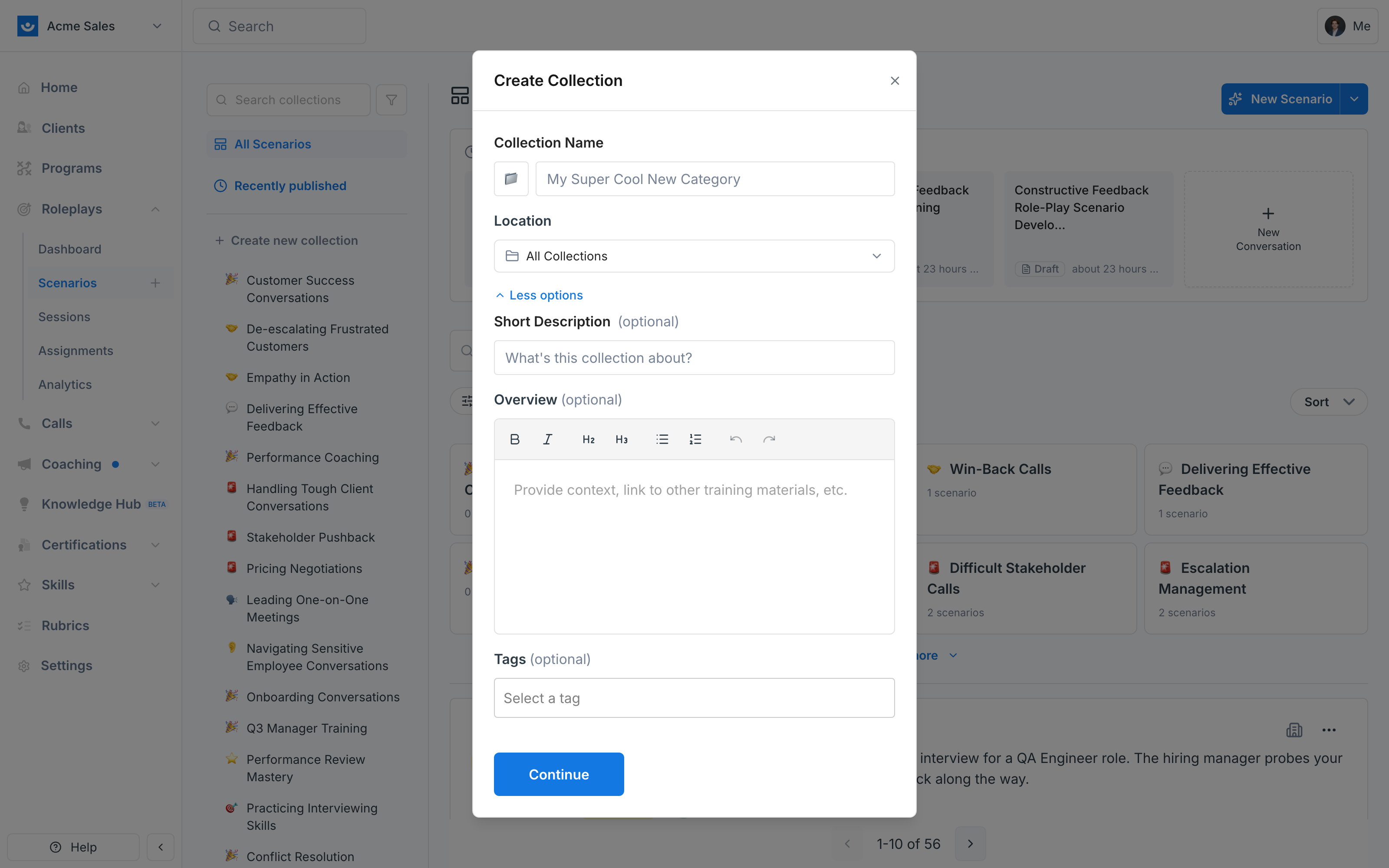
5
Click Continue
The collection appears in the sidebar immediately. You can start adding scenarios right away.
Adding Scenarios to a Collection
Drag a scenario from the main list and drop it onto a collection in the sidebar. The collection highlights with a red outline when you’re over a valid drop target.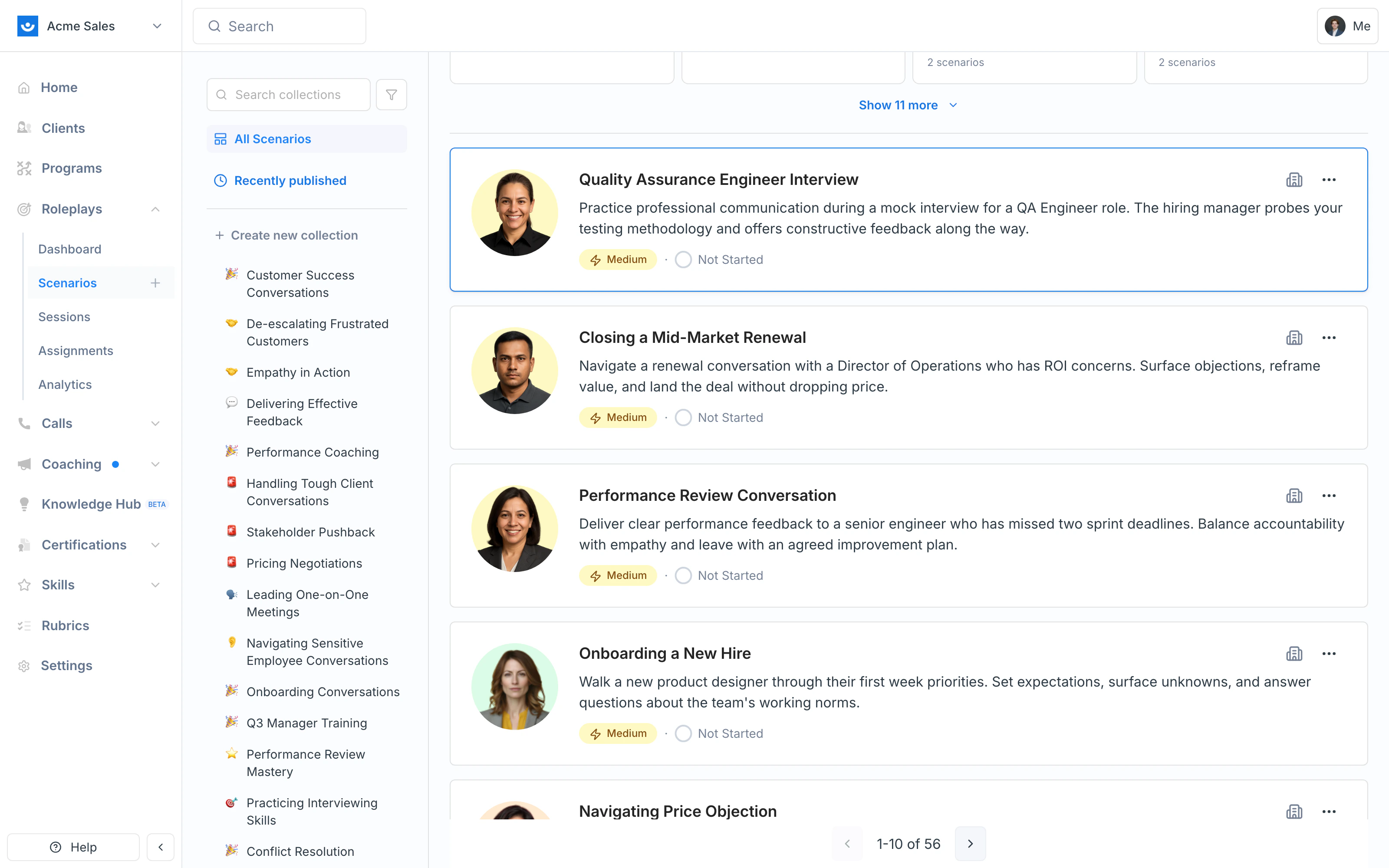
Nesting Collections (Sub-collections)
Collections can live inside other collections. Two ways to nest:- At creation time — set the Location field to an existing collection in the Create Collection dialog
- After creation — drag a collection from the sidebar and drop it onto another collection
Managing Collections
To edit, share, or delete a collection, hover over it in the sidebar (or open it and use the actions in the top-right). You can update the name, description, overview, and tags at any time. Edit — Update the name, description, overview, tags, or change the Location to move it into or out of another collection. Share — Set who can access the collection, and optionally push that access level down to every scenario inside it with Apply to all scenarios. See Sharing & Viewing Permissions. Delete — Remove a collection that’s no longer relevant. This only removes the grouping — the individual scenarios stay in your workspace.Tips
- Align to learning goals — Build collections around competencies or training modules (e.g., “Manager Coaching Toolkit”) rather than generic categories
- Use nesting for structure — Sub-collections let you keep a clean top-level rail while still organizing details (e.g., quarterly cohorts under a parent program)
- Tag consistently — Use tags alongside collections to improve searchability
- Keep it current — Periodically review collections to make sure they reflect your active training priorities