

1
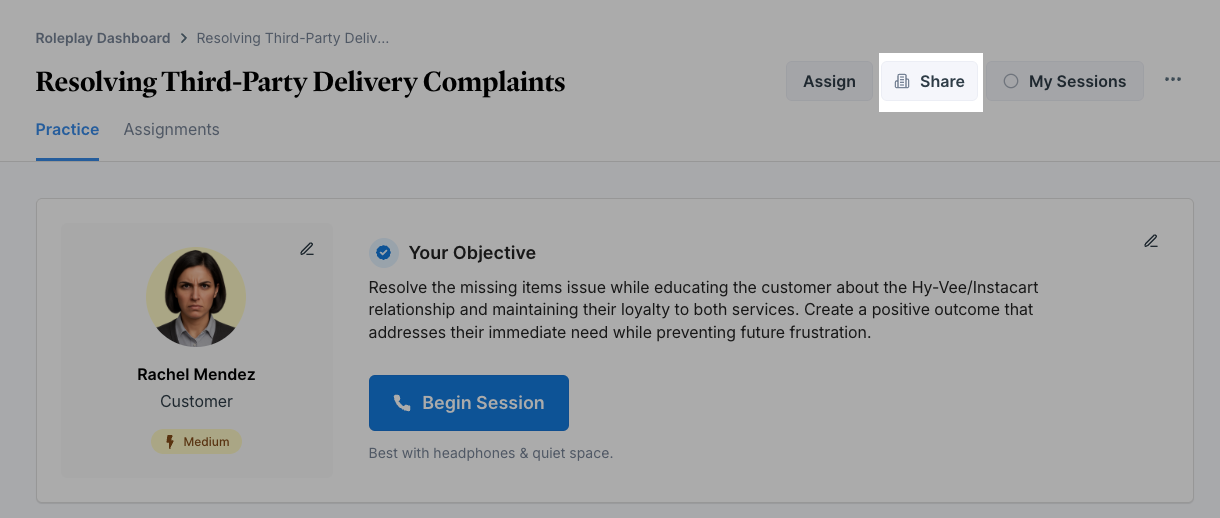
Open the scenario you'd like to share & click 'Share'
2
Determine the 'who' and 'what'
In the “add people or groups” field, type the email address of the person you want to share it with. The person must be a member of your workspace to receive access.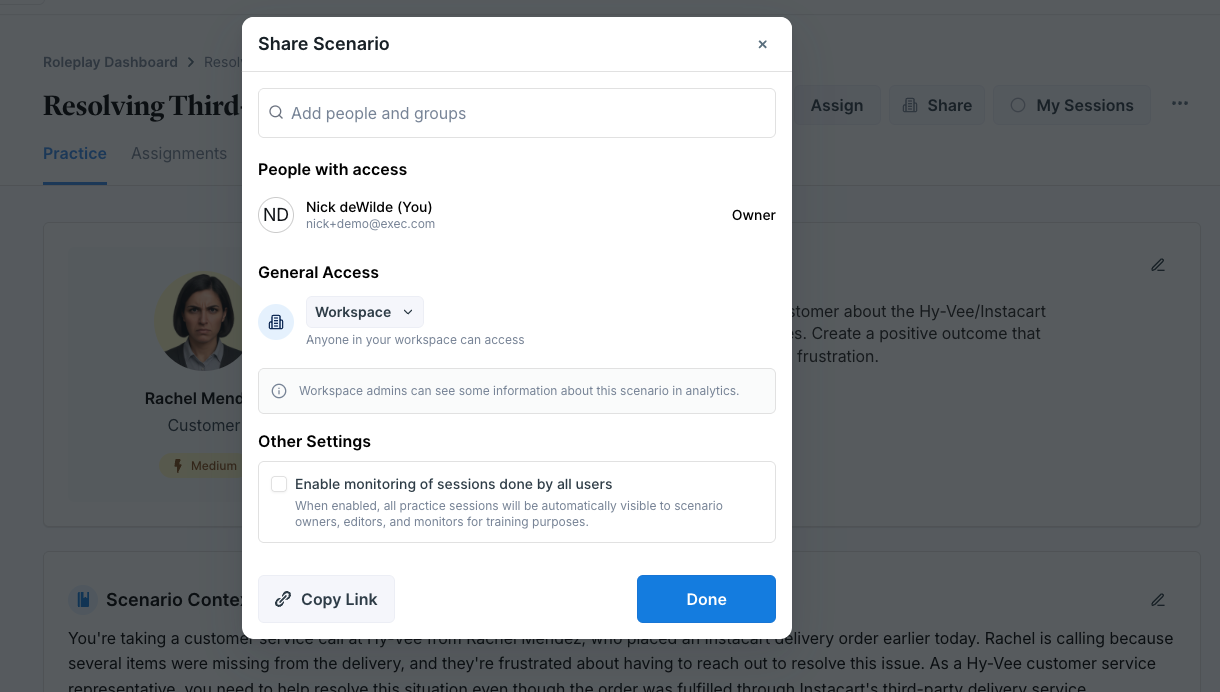
3
Select what they can do
Choose what the recipient can do: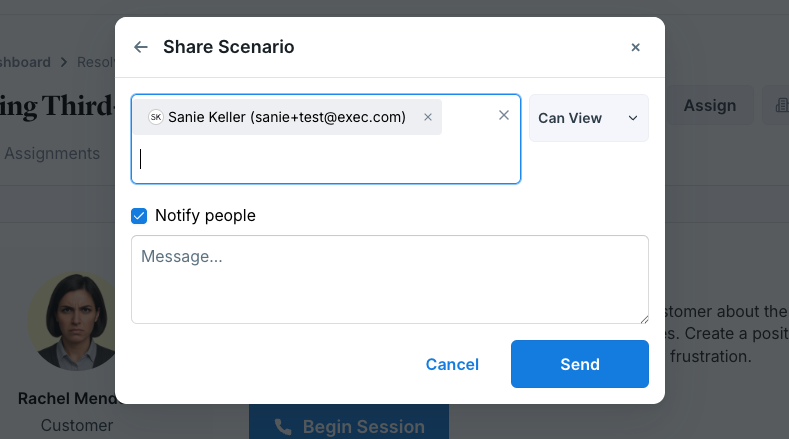
- View only - the person can open and try the scenario
- Share access - the person can share the scenario with others
- Edit access - you can grant edit access so the person can make changes
4
Click "Send"
The recipient will be notified by email that you’ve shared the scenario unless you uncheck “Notify people”