

Ways to Find Roleplays
There are two main ways to locate a roleplay:Search
- Type in keywords to pull up the exact scenario you’re looking for
Filter
- Narrow down the library based on collections, practice status, ownership, tags, or visibility
Using Filters
Filters allow you to refine the scenario list so you don’t have to scroll through everything. You can filter by:Collection
Collection
See only the scenarios grouped in a specific collection (e.g., Interview Practice)
Practice Status
Practice Status
Filter by scenarios you’ve:
- Practiced
- Never practiced
Tags
Tags
Visibility level
Visibility level
Choose whether to see:
- Your personal scenarios (private to you)
- Workspace scenarios (available to everyone in your organization)
- Global scenarios (provided to all Exec users)
Ownership
Ownership
Filter based on whether the scenario is owned by you or created by someone else
Searching for a Roleplay
Go to the Scenarios tab and use the search bar to type in a keyword or part of the scenario name.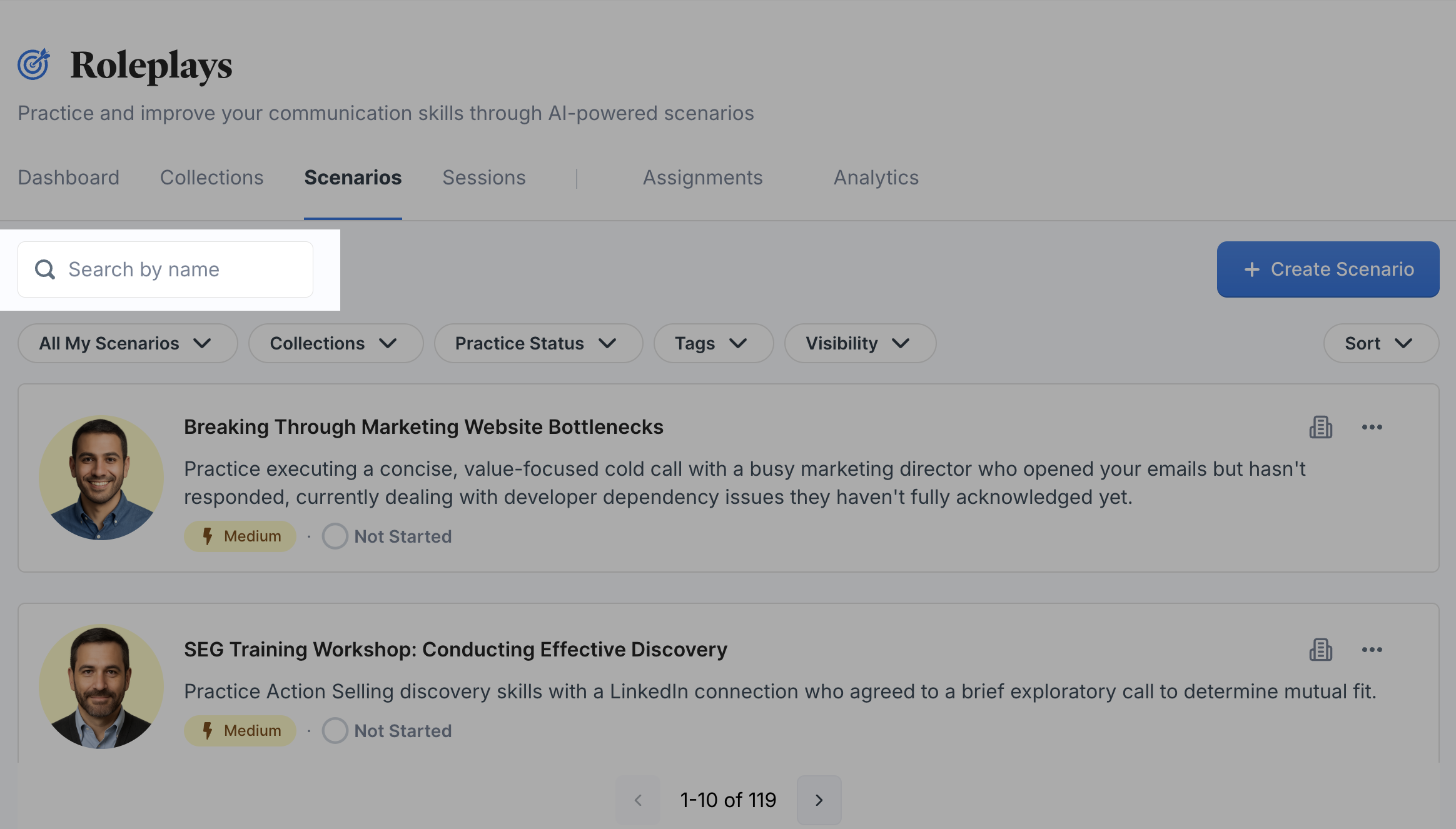
Browsing Roleplays
Sometimes you may not know exactly what you’re looking for. In that case, you can:- Scroll through collections to see what’s grouped together.
- Explore tags to discover scenarios related to a particular skill area.
- Skim by visibility to get a sense of what’s available to you personally, in your workspace, or globally.
✅ In short: To find a roleplay in Exec, combine search and filters to quickly zero in on the scenario you need - whether it’s one you’ve practiced before, something new in your workspace, or a global scenario for inspiration